Project Resources

Links to the tutorials, docs, and tools that shaped this web development journey.
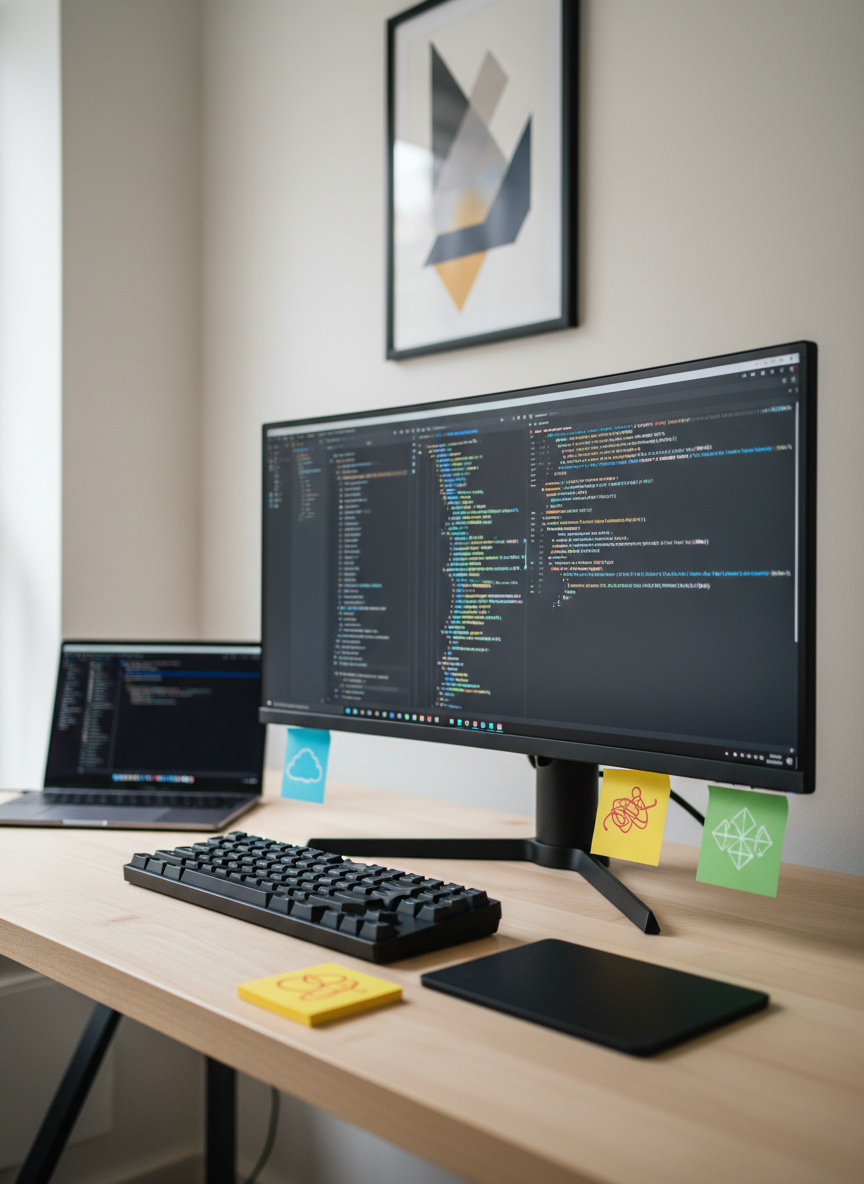
A sleek, modern workstation dominated by a large ultra-wide monitor filled with a dark-themed code editor, lines of colorful syntax highlighting cascading down the screen. Around it sit a minimalist mechanical keyboard, a matte-black laptop slightly ajar, and scattered sticky notes with abstract shapes symbolizing bugs and ideas instead of text. The desk surface is clean, light wood, backed by a neutral wall with a single geometric poster. Soft, diffused daylight from an unseen side window gently illuminates the scene, creating subtle reflections on the monitor and keyboard. Photographic realism from a slightly elevated eye-level angle, with shallow depth of field that keeps the coding interface sharp while the background fades into a professional, calm blur, suggesting focused, disciplined web development work in progress.
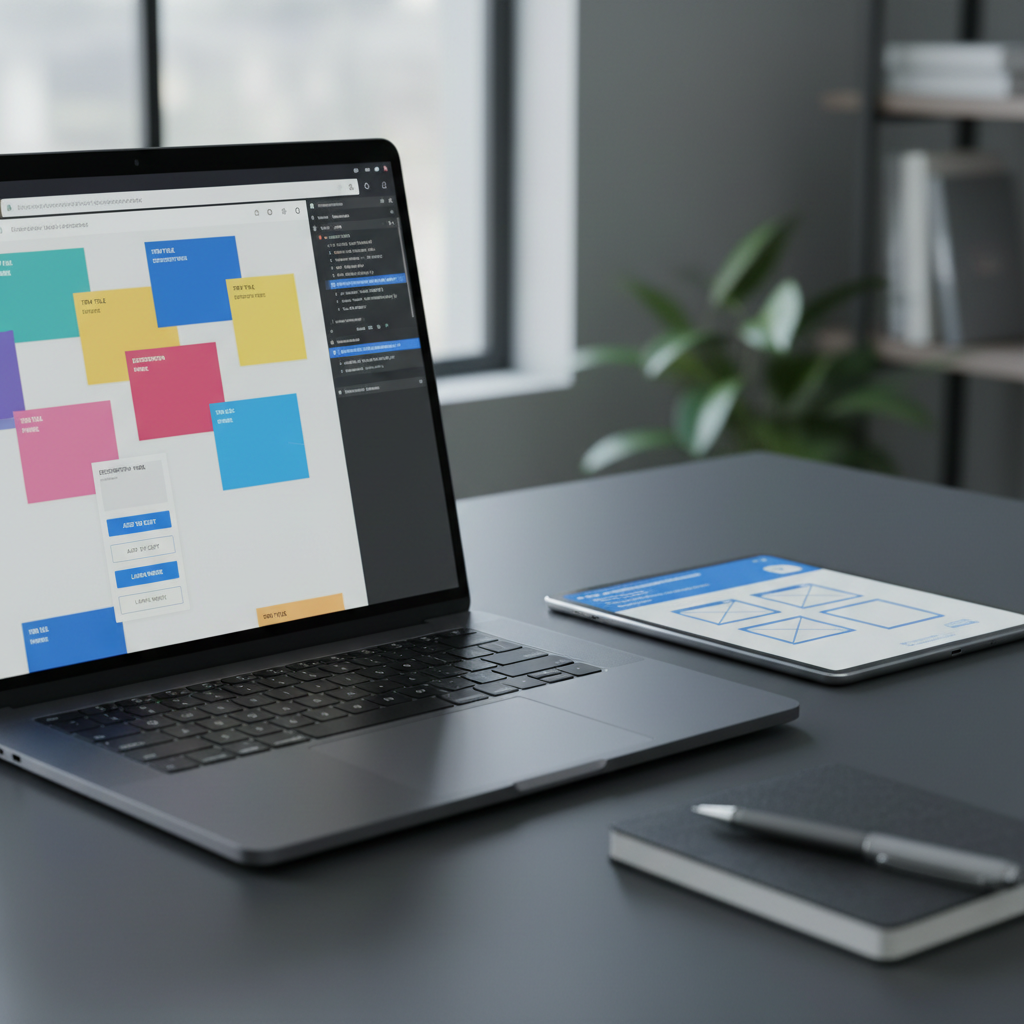
A close-up, photographic view of a laptop screen displaying a browser’s developer tools panel on the right and a half-broken web page on the left, with misaligned boxes and overlapping elements. The laptop rests on a tidy, charcoal-colored desk alongside a slim tablet showing a wireframe layout and a closed notebook with a metal pen on top. Cool, overcast window light washes across the scene from the left, creating soft highlights and gentle shadows, conveying a contemplative debugging mood. The composition follows the rule of thirds, keeping the browser and dev tools crisp in focus while peripherals dissolve into a mild bokeh. The overall aesthetic is clean, realistic, and professional, capturing the quiet tension of diagnosing front-end layout bugs during web development.

References, Tools, and Tutorials

Browse the external articles, documentation, and debugging tools I relied on in each post. Use these links to revisit tricky concepts, explore alternative solutions, and deepen your understanding of the bugs and breakthroughs documented here.